

Weddings are significant events, marking a milestone in people’s lives where every moment is valuable.As a London wedding photographer I understand, In our digital era, the capability to capture these moments has become increasingly accessible to everyone. Wedding guests, armed with their iPhones, are often keen to document the day’s events, aiming to preserve the joy and love they witness. However, it’s crucial to balance this enthusiasm with respect for the professional photographer’s role. Here I guide wedding guests on how to take better photos with their iPhones without interfering with the professional photographer’s work. We’ll explore practical tips for respectful photography, enhancing your photo-taking skills, and ensuring that your memories complement the professional imagery being created. This approach allows for a harmonious coexistence of guest photography and professional work, ensuring the wedding day is captured beautifully from all angles.
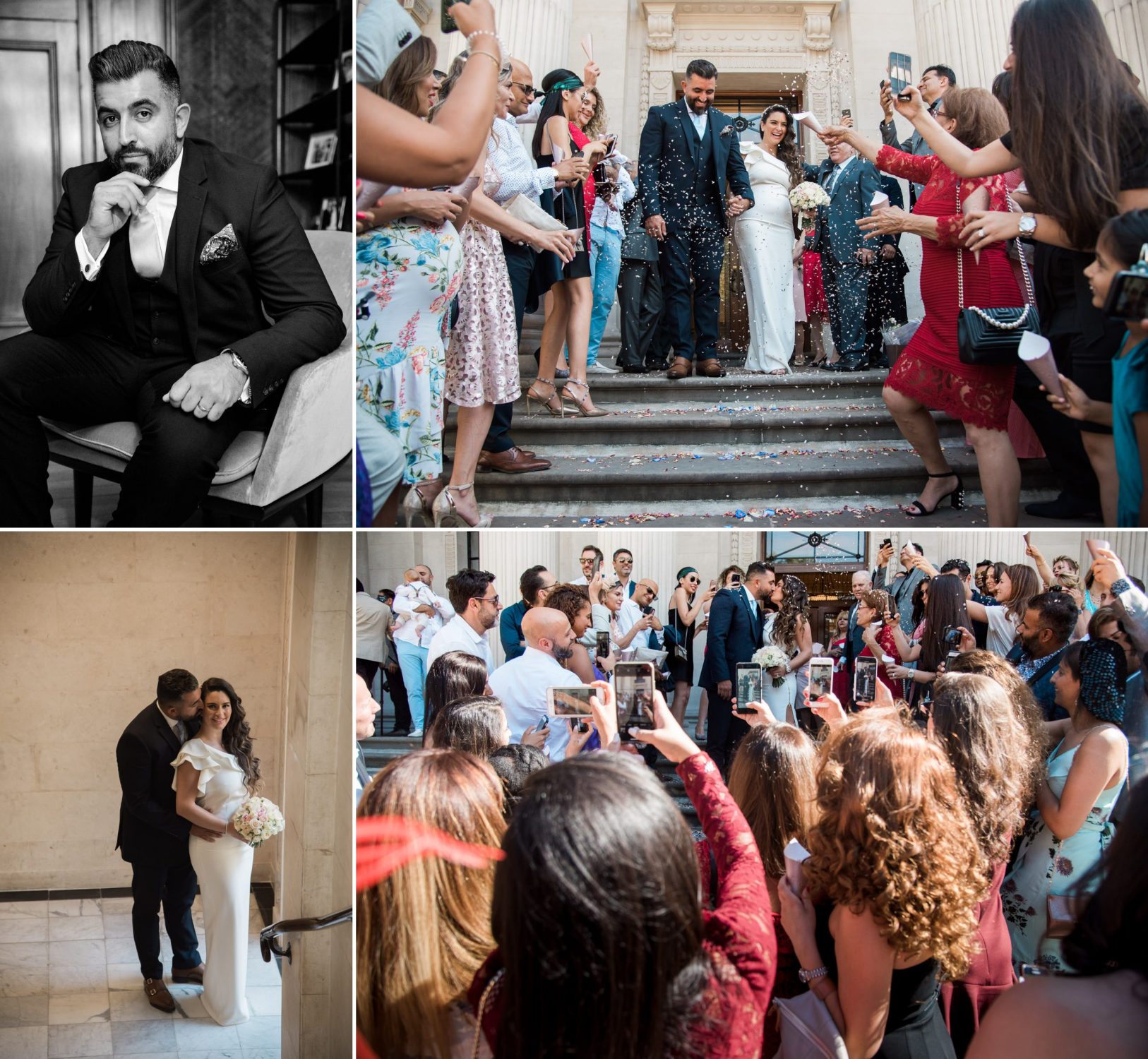
The Do’s and Don’ts for Wedding Guests
Understanding the Photographer’s Role
The professional photographer at a wedding is tasked with capturing the day’s key moments, from the exchange of vows to the first dance, ensuring that each significant part of the ceremony and reception is immortalised. Their role involves not just taking photos but crafting a visual narrative of the day that reflects the couple’s unique story. As a guest, appreciating the importance of this responsibility is the first step in ensuring your own photography efforts do not interfere.
Respect the Photographer’s Space
One of the most straightforward yet crucial ways to avoid getting in the professional’s way is by being conscious of their space. Photographers often move around to capture different angles and moments, and it’s important for guests to be aware of this. Before taking your own photos, quickly glance around to ensure you’re not blocking their shot or entering their working area. If the photographer is setting up for a key moment, consider holding off on taking your photos until they have captured the shot.
Avoiding Flash Photography During Critical Moments
Flash photography can be particularly disruptive during a wedding, especially in dimly lit environments like churches or reception halls. A guest’s flash can affect the professional’s shots by causing unwanted shadows or altering the lighting setup the photographer has established. To avoid this, turn off your flash, especially during crucial moments like the ceremony, speeches, and first dance. Modern iPhones have excellent low-light capabilities, so experiment with these settings to capture the moment without flash.
Being Present
While capturing memories is valuable, it’s also important to remember to experience the event firsthand. There’s a unique beauty in witnessing a wedding through your own eyes rather than through the screen of your phone. Try to strike a balance between taking photos and being present in the moment. Consider setting your phone aside during the most heartfelt parts of the ceremony and reception, trusting the professional photographer to capture these moments while you fully immerse yourself in the experience.
Elevating Your iPhone Photography Game
With the basics of respectful guest photography established, let’s delve into how you can elevate your iPhone photography skills to capture stunning images that complement the professional shots. Modern smartphones are equipped with advanced photography features that, when used effectively, can produce remarkable results. Here are some tips to help you make the most of your iPhone camera at the next wedding you attend.
Getting to Know Your iPhone Camera
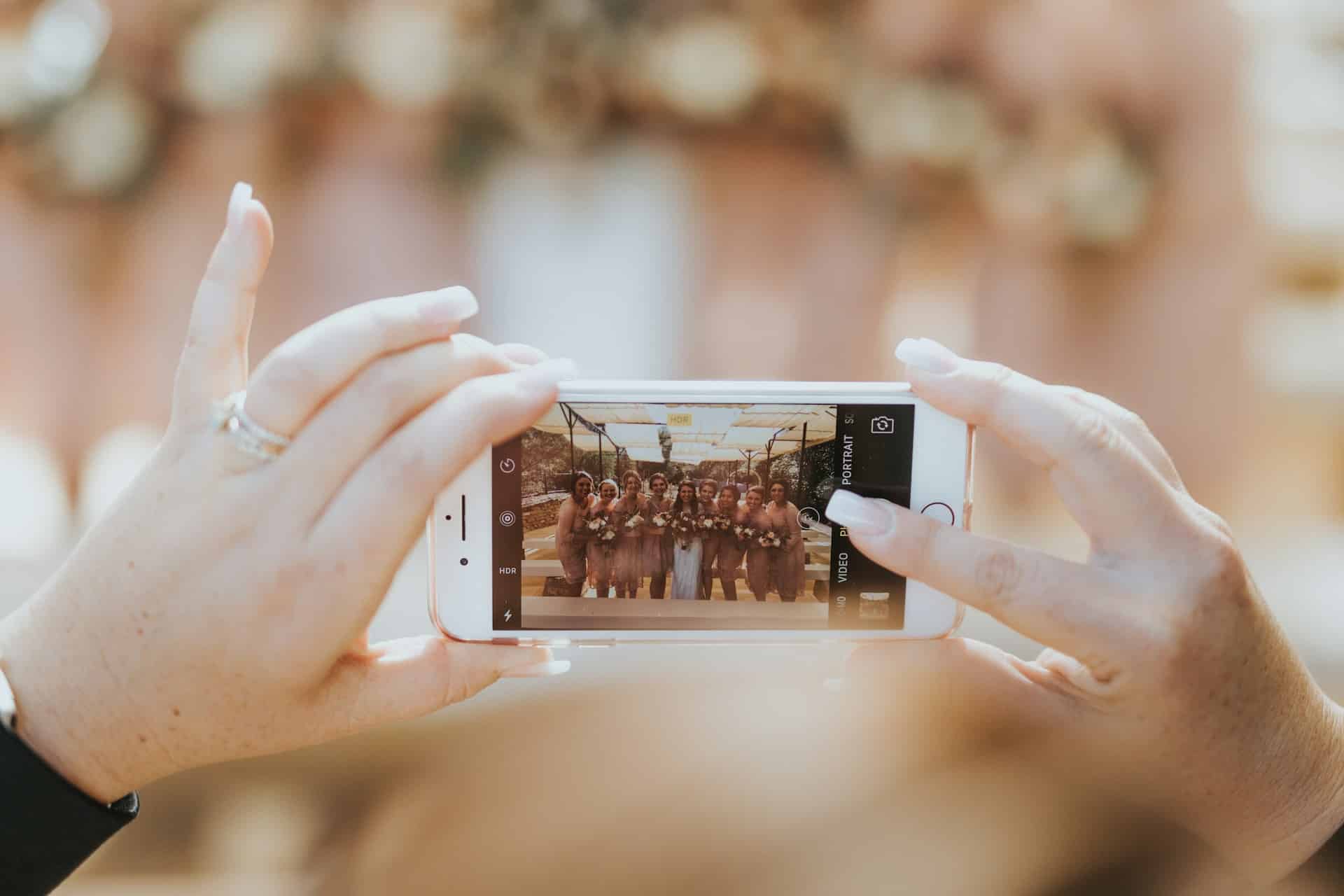
The first step to taking great photos is understanding the capabilities and settings of your iPhone camera. Spend some time familiarising yourself with the different modes and features available. For instance, Portrait mode can be perfect for capturing shots of guests with beautifully blurred backgrounds, emphasizing the subject. The HDR (High Dynamic Range) feature is excellent for scenes with high contrast, ensuring both the shadows and highlights are well-balanced. Knowing when and how to use these features can significantly improve the quality of your photos.
Composition is Key
Good composition is foundational to capturing compelling photographs. Use the rule of thirds to create balanced and interesting shots by aligning subjects with the guidelines and their intersection points that many camera apps show. Also, look for leading lines, which can guide the viewer’s eye towards the main subject of your photo, adding depth and perspective. Paying attention to composition will elevate your photos from simple snapshots to more thoughtful, engaging images.

Author : Barrie Downie London Wedding Photographer
Finding Your Light
Lighting is crucial in photography, and natural light is often the most flattering. When at a wedding, observe how the light falls on your subject and try to position yourself so that the light enhances your photo. Avoid harsh midday sun that can cause shadows and squinting. Instead, seek out shaded areas or aim to take photos during the golden hour, the hour after sunrise or before sunset, when the light is softer and warmer.
Capturing Candid Moments
While the professional photographer will focus on capturing the key moments and posed shots, as a guest, you have the unique opportunity to capture candid moments. These unplanned, natural shots often reveal the genuine emotion and atmosphere of the day. Keep an eye out for laughter, tears, and tender exchanges between guests. These candid moments can sometimes become the most cherished memories for the couple, offering a different perspective from the formal photographs.
By enhancing your understanding of your iPhone’s camera, focusing on composition, making the most of natural light, and capturing candid moments, you can take beautiful photographs that not only document the day but also tell a story from your perspective. Remember, the goal is not to replicate the professional photographer’s work but to complement it with your personal viewpoint, adding to the rich tapestry of memories the couple will have of their special day.
Creative Angles and Perspectives
After mastering the basics of iPhone photography and understanding how to capture candid moments with respect for the professional photographer’s space, let’s explore how you can further enrich the wedding album with unique angles and perspectives. This approach allows you to contribute creatively to the day’s memories without overlapping with the professional’s shots.
Exploring Different Angles
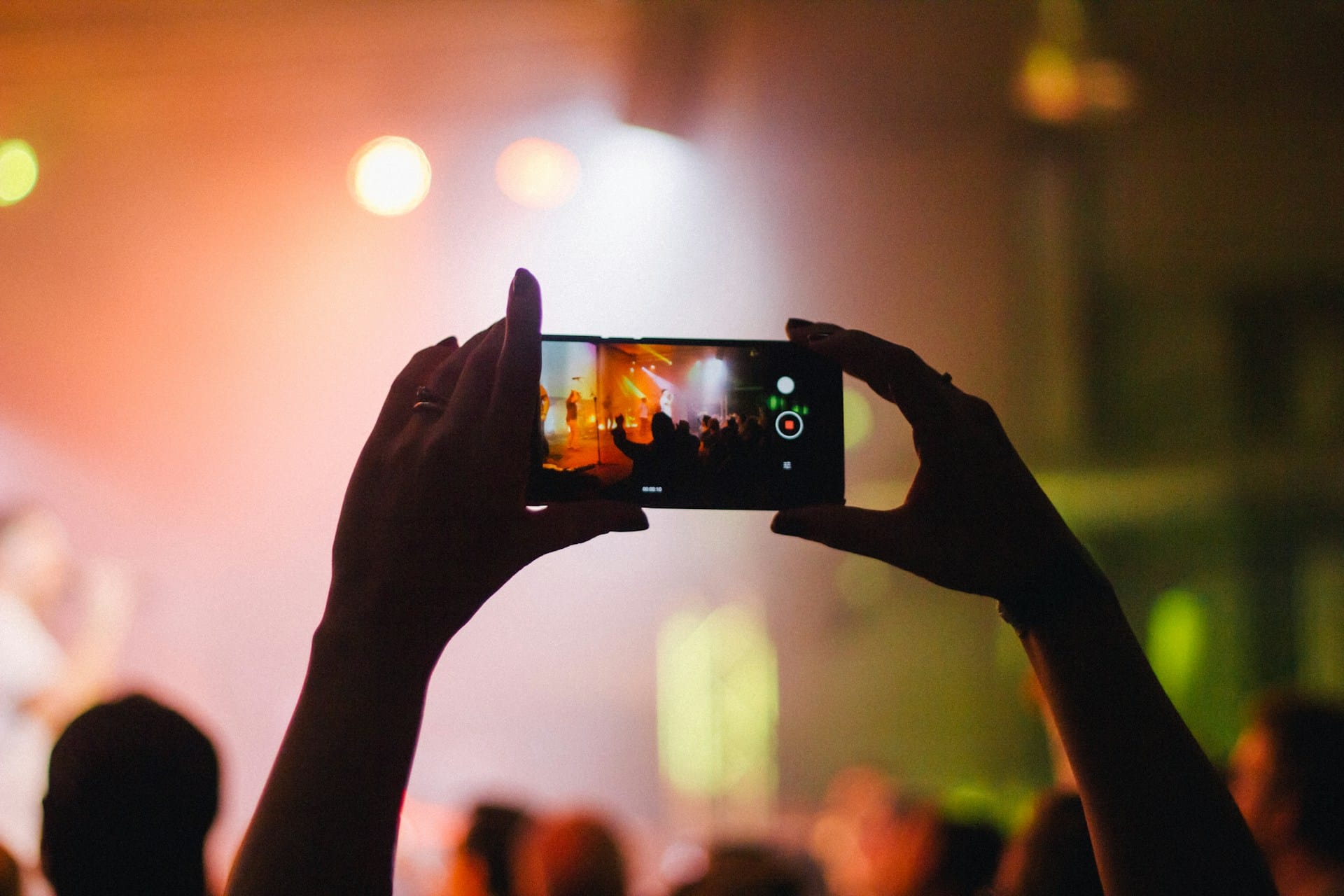
One of the joys of photography is the ability to present a familiar scene in a new light by simply changing your viewpoint. At weddings, most guests and even professional photographers tend to capture images from a standing position, at eye level. To differentiate your photos, try shooting from high above or down low. Capturing the dance floor from a balcony, for example, can offer a dynamic overview of the festivities while taking photos from a seated position might bring you closer to the intricate details of the wedding decor or the expressions of children playing.
The Background Matters
A common oversight in photography is not paying attention to the background. A cluttered or distracting background can detract from the subject of your photo. As you aim for creative angles, also consider what’s behind your subject. Sometimes, moving a few steps to the side can make all the difference, allowing you to frame your subject against a more pleasing backdrop. Look for backgrounds that complement the mood of the wedding, such as floral arrangements, architectural features, or even a sunset sky.
Using Reflections for Creativity
Reflections can add an artistic touch to your photos, creating a double image that is intriguing and visually appealing. Look for reflective surfaces like windows, mirrors, or water. Capturing the reflection of the newlyweds sharing a moment or guests dancing can produce a memorable and unique photo. This technique requires a bit of experimentation with angles and positioning, but when executed well, it can result in stunning images.
Incorporating Foreground Elements for Depth
Adding elements to the foreground of your shot can introduce depth and interest to your photos. This could be as simple as shooting through a decorative element of the venue, like the spaces between floral arrangements, or capturing guests through the flicker of candlelight. Foreground elements can frame your subject beautifully and add a sense of depth and context to your photos, making them more engaging and dynamic.
By experimenting with different angles and perspectives, paying attention to backgrounds, utilizing reflections, and incorporating foreground elements, you can capture truly unique and creative photos at weddings. These tips encourage you to look beyond the obvious shots and explore the environment around you for inspiration. Remember, the aim is to add to the diversity of images captured on the day, offering new viewpoints and dimensions to the couple’s wedding memories, all while ensuring your photography complements rather than competes with the professional’s work.

Editing Like a Pro
Once you’ve captured your unique and creative images at the wedding, the next step is to polish them to perfection. Editing can transform a good photo into a great one by enhancing its best features and correcting any minor issues. Fortunately, with your iPhone, you have a powerful editing suite at your fingertips. Here’s how to edit your wedding photos like a pro, using tools available on your device and through recommended apps.
Using iPhone Editing Tools
Your iPhone comes equipped with a robust set of editing tools that can significantly improve the quality of your photos. Start by adjusting the exposure and brightness to ensure your images are well-lit. Playing with the contrast can help your photos pop, but use this feature sparingly to maintain natural skin tones. The saturation tool can bring out the vibrant colours of the wedding, though it’s best to avoid over-saturation, which can make photos look unrealistic.
The crop and straighten tools are invaluable for refining the composition of your shots. Perhaps you captured a fantastic candid moment, but there’s a bit of clutter in the background. Cropping the photo can help focus on the main subject. Additionally, ensuring your horizons are straight can make a world of difference in the overall look of your photo.
Recommended Apps for Further Editing
For those looking to take their editing a step further, several user-friendly apps offer advanced features beyond what’s available on the iPhone’s native editing suite. Apps like VSCO and Snapseed provide a wide range of filters and fine-tuning options that can enhance your photos’ mood and style. Adobe Lightroom Mobile is another powerful tool, offering professional-grade editing features that can help you adjust the finer details of your photos, such as the highlights, shadows, and colour balance.
When using these apps, start with the presets or filters to get an idea of the possible enhancements, but don’t hesitate to customize the settings. The goal is to enhance your photos in a way that feels true to the day’s atmosphere and emotions, rather than applying heavy filters that drastically alter the images.
Sharing Your Masterpieces
After editing your photos, you’ll likely be eager to share them. However, consider the couple’s preferences and privacy before posting anything online. It’s a good practice to share your edited photos with the newlyweds first, giving them the chance to see your work and possibly include it in their album or share it themselves.
By following these editing tips and using the available tools and apps, you can refine your wedding photos to professional standards. Editing allows you to put the finishing touches on your images, ensuring they not only capture the moment but do so with enhanced beauty and clarity. Remember, the key to successful photo editing is subtlety; the best edits are those that enhance the natural beauty of the original shot without overshadowing it.
here is an amazing video showing you just what can be done with an iPhone at a wedding!

